
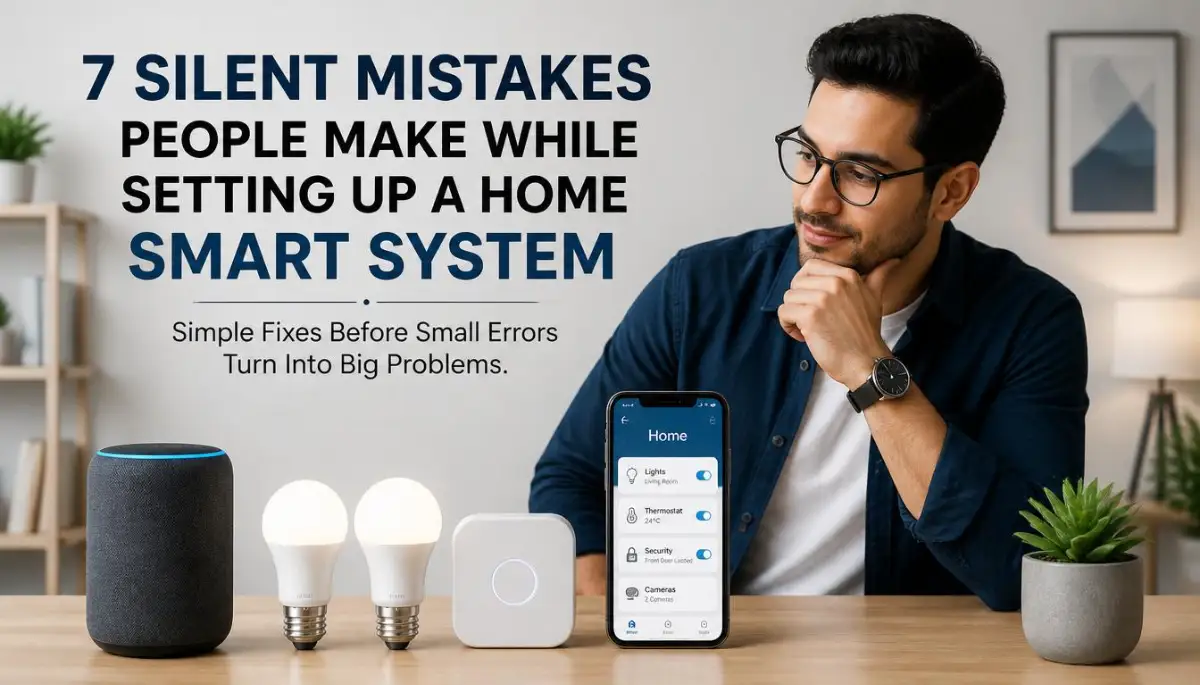
The Hidden Frustration of a Smart Home Setup Gone Wrong
Does your smart home actually feel smart, or does it feel like a part-time job? You unbox the bulbs, the doorbell, and the plugs with real excitement, only to spend the next week resetting your router and yelling "turn on" at a light that refuses to listen. Here is the part nobody tells you: your devices are not broken. You just walked into a handful of quiet, common traps that almost every smart home owner hits during setup, and every single one of them is fixable in an afternoon.
The lights refuse to respond to your voice commands. Your video doorbell keeps disconnecting when someone rings it. You find yourself resetting your router multiple times a day just to get your bedroom lamp to turn on.
It is incredibly frustrating when the technology meant to make your life easier actually makes it more complicated. Your home is supposed to be your peaceful sanctuary, not a source of daily stress. You start to wonder if smart home technology is just a useless gimmick that wastes your time.
The truth is, your devices are probably not broken. Instead, you might have fallen into a few common, silent traps during the setup process. Let us look at why these issues happen and how you can fix them easily.
Quick Takeaways Before You Start Fixing Your Setup
- Pick one ecosystem (Apple Home, Google Home, or SmartThings) before buying any new device, not after.
- Check for a neutral wire behind your switch plates before ordering standard smart switches.
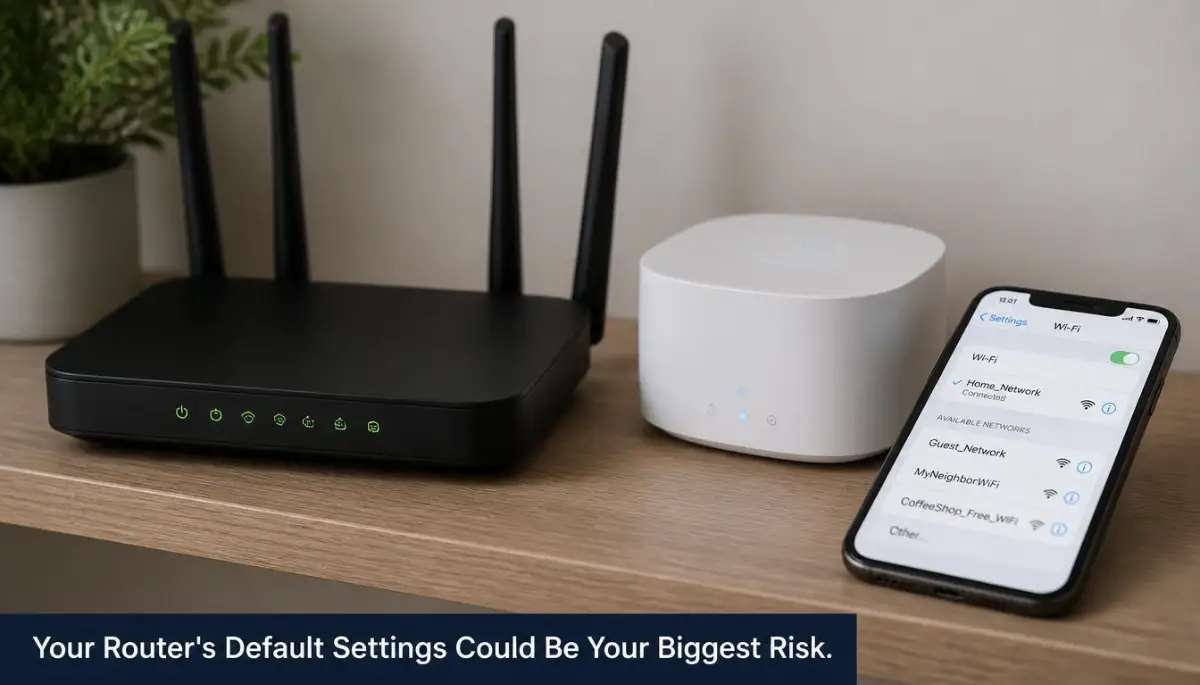
- Move smart plugs and bulbs onto a separate guest Wi-Fi network to protect your main devices.
- If you own more than 20 smart devices, a basic router will not keep up, plan for a mesh system.
1. The Protocol Trap: Mixing Devices Without a Plan
One of the most common errors is buying smart devices based only on their price tag or clean design. You might buy a Wi-Fi bulb today, a Zigbee motion sensor tomorrow, and a Z-Wave lock next week.
When you do this, you end up with a messy system that cannot communicate with each other. Wi-Fi devices connect directly to your router, while Zigbee and Z-Wave require a central hub.
If you do not plan ahead, you will need five different apps on your phone just to turn off the lights in one room. This destroys the whole point of having an automated home.

To avoid this mess, choose a main ecosystem before you buy anything. Decide if you want to use Apple Home, Google Home, or Samsung SmartThings as your primary control center.
Look for devices that clearly state they work with your chosen ecosystem. This simple step keeps your system clean and easy to manage from a single app.
2. The Overloaded Router: Crashing Your Home Network
Most standard internet routers given to you by your service provider are not built for a smart home. They are designed to handle a few laptops, phones, and a smart TV.
When you start adding twenty smart plugs, ten smart bulbs, and three security cameras, your router gets overwhelmed. It simply runs out of room to assign local IP addresses to every single device.
As a result, your devices will start dropping offline randomly. You might notice your laptop connection getting slow or your smart speaker constantly saying it cannot connect to the internet.
Smart Home Myth vs. Reality
- Myth: "I have high-speed gigabit internet, so my router can handle hundreds of smart devices easily."
- Reality: Internet speed is not the same as router capacity. Even with fast internet, a cheap router will crash under the physical weight of too many connected smart devices.
If you plan to have more than twenty smart devices, you need to upgrade your home network. Consider investing in a mesh Wi-Fi system.
Mesh systems use multiple nodes placed around your house to share the load. This keeps your main router from getting overwhelmed and ensures every device has a strong, stable signal.
Expert Tip: Most mesh Wi-Fi nodes are rated to handle around 30 to 50 connected devices each before performance starts to drop. If you already own 25 smart devices and plan to keep adding more, a two-node mesh system is the realistic minimum, not the one-node starter kit most people buy first.
Still struggling with offline smart plugs and slow Wi-Fi? Watch this quick visual guide to see exactly how to arrange and configure your network for smart devices, and then keep reading below to avoid the massive wiring mistakes most people make!
3. Ignoring the Power of a Dedicated Smart Hub
Many people try to build a smart home using only Wi-Fi-based devices because they do not want to buy a hub. While this seems cheaper at first, it often leads to a slow and unreliable system.
Wi-Fi devices use a lot of power and can slow down your home network. This is where dedicated smart hubs using Zigbee or Z-Wave protocols become incredibly useful.
These hubs act as a single translator between your router and your smart devices. Instead of fifty devices talking directly to your router, only the hub talks to the router.
The hub then manages the rest of your devices on a completely separate, low-frequency wireless network. This keeps your home Wi-Fi fast and free for your personal use.
Using a hub also allows your smart home to run even when your internet is completely down. Your automated lights and sensors will still talk to each other through the hub locally.
4. The Neutral Wire Oversight: Buying the Wrong Switches
If you want to control your existing light fixtures, buying smart wall switches is a great choice. However, many homeowners buy these switches without checking their home's electrical wiring first.
Most modern smart switches require a constant source of power to stay connected to your network. This power comes from a wire called the neutral wire, which is usually white.
In older homes built several decades ago, light switch boxes often do not have this neutral wire. If you buy a standard smart switch and open your wall to find only two wires, the switch will not work.
Trying to force it to work can damage your wiring or create a serious fire hazard. Always turn off your main power breaker before opening any electrical box to check.
If you do not have a neutral wire in your walls, do not panic. You can search for specialized "no-neutral" smart switches that are designed to work without one.
Quick Cost Check: No-Neutral vs. Standard Smart Switches
If your home was built before the 1990s, budget for the no-neutral option from the start. It saves you a return trip to the store and a wall you already opened up for nothing.
Quick Wire Identification Guide
- Line Wire (Usually Black or Red): Carries the hot electrical current into the switch.
- Load Wire (Usually Black): Carries the power from the switch to your light fixture.
- Neutral Wire (Usually White): Completes the circuit and provides constant power (needed for most smart switches).
- Ground Wire (Bare Copper or Green): Protects against electrical shock.
5. Weak Security: Leaving the Front Door Open to Hackers
When you buy cheap, unbranded smart devices, you might be putting your digital privacy at serious risk. Many of these budget devices come from manufacturers who do not update their software.
Even worse, many people leave their smart devices running on default passwords. Hackers can easily scan the internet for these default settings to gain access to your network.
Once a hacker gets into a single cheap smart plug, they can access other devices on your home network. This includes your personal computers, smartphones, and even your home security cameras.
To protect your family, always change the default usernames and passwords on every new device immediately. Look for reputable brands that have a clear history of providing regular security updates.
If your router supports it, set up a guest Wi-Fi network specifically for your smart home devices. This keeps your smart plugs and cameras completely separated from your personal bank accounts and computers.

6. Poor Sensor Placement: Why Your Automation Fails
Smart motion sensors, contact sensors, and temperature sensors are the true brain of a smart home. They tell your lights when to turn on and your thermostat when to adjust.
However, placing these sensors in the wrong spots will make them completely useless. For example, putting a motion sensor directly opposite a sunny window can trigger false alarms due to shifting shadows.
Similarly, placing a temperature sensor right next to a heating vent will give your thermostat incorrect readings. Your heating system will turn off long before the rest of the room actually gets warm.
Take a moment to think about your daily habits before mounting any sensor permanently. Use temporary adhesive tape to test the placement for a few days first.
Ensure motion sensors are placed at a height where they can see human movement but ignore small pets. This small adjustment will save you from constant annoyance and wasted energy.
7. Over-Complicated Controls: Making Your Home Unusable
The final mistake is making your home so smart that your family members or guests cannot use it. If turning on the living room light requires a five-step explanation, your system is too complex.
If your phone battery dies and you can no longer enter your own house or turn on the heater, you have over-engineered your space. A smart home should always have simple physical backups.
Keep physical switches usable so that anyone can walk in and turn on a light manually. Use simple voice commands that make natural sense to a guest, like "turn on the kitchen light."
The best smart home runs quietly in the background without requiring constant attention. Design your system so that it assists your life, rather than forcing you to adapt to its rules.
Master Techniques for a Bulletproof and Reliable System
Creating a smart home that actually works when you need it requires moving beyond basic settings. Many users think that buying expensive gear is enough to guarantee a smooth experience.
In reality, the way your devices talk to each other matters much more than how much they cost. Let us look at some expert setups that will keep your home running smoothly for years.
Building a Smart Home That Operates Completely Offline
Most people do not realize how dependent their smart homes are on remote internet servers. When your internet provider goes down, your smart lights should not stop working.
If your home relies entirely on the cloud, a simple web outage can leave you sitting in the dark. This is why we recommend moving toward a local control setup.
Using a local system means your devices talk directly to a hub in your living room, not a server across the world. You can look at the Home Assistant local control platform to see how easy it is to manage everything locally.
Relying too much on external cloud systems also exposes you to data leaks and sudden subscription fee increases. The security issues of trusting outside servers with your daily habits are very similar to the dangerous reality of free cloud storage options.
When you keep your smart home data local, you protect your household habits from unwanted eyes. You also get much faster response times since your commands do not have to travel to a cloud server and back.
Smart IP Allocation to Prevent Constant Offline Drops
Have you ever noticed a smart plug randomly showing as "unavailable" in your app? This usually happens because your router reassigns local network addresses whenever it reboots.
By default, your router uses a system called DHCP to assign temporary addresses to your devices. When a smart bulb gets a new address, your smart speaker might lose track of it.
To fix this, you should log into your home router and set up static IP reservations. This tells your router to always give the exact same address to your smart hub, TV, and cameras.
This simple step stops your devices from fighting over network addresses. It acts as an anchor for your network, making sure your automations never break after a power cut.
Power Management Secrets for Wall-Mounted Tablets
Many advanced users like to mount an old tablet on the wall to act as a central control panel. This is a great way to let family members control the lights without needing their phones.
However, leaving a tablet plugged into a cheap wall charger all day can damage the internal battery. Over time, the battery can swell up, which is a major safety and fire risk.
If you are planning a wall dashboard, we suggest using smart plugs with automation rules to manage the power. You can program the plug to turn on when the tablet battery hits twenty percent and turn off at eighty percent.
Managing battery wear is highly important for any device that remains in a constant charging state. You can read this detailed guide on how overnight charging decoded to understand the physical toll constant power takes on lithium-ion cells.
This simple power automation will extend the life of your wall panel by several years. It keeps the battery healthy and prevents dangerous swelling behind your drywalls.
Local Intelligence and AI Command Processing
Modern smart homes are now capable of understanding complex voice commands without sending your voice recordings to giant tech firms. This is done by processing your language patterns directly on your local hardware.
This local processing is much safer and works instantly because it does not rely on a web connection. You might wonder how a small box in your home can process human speech so accurately.
This local tech works by using small, efficient machine learning systems designed for home use. If you want a clear look at how these smart systems identify patterns, you might enjoy understanding artificial neural networks in a very simple way.
Using local processing keeps your private conversations inside your own walls. It also means your voice control will still work perfectly even if your physical internet cable is cut.

The Hidden Choices That Slowly Damage Your Setup
When we build a smart home, we often focus on the fun parts like changing light colors. But some quiet, everyday mistakes can lead to system failures or even real-world physical damage.
Physical Signal Blockers You Probably Installed Yourself
One of the most frustrating things is when a smart switch works fine during testing but fails later. This often happens because of the physical materials we put around our devices.
Smart switches use radio waves to send and receive commands to your hub. If you install a smart switch inside a heavy metal wall box, you are essentially trapping the radio signal inside a cage.
Similarly, placing your smart hub inside a closed metal media cabinet will severely limit its range. Always place your hub in an open, central area of your home, away from thick metal sheets or large mirrors.
Large pools of water, like a big fish tank, can also block wireless signals. Keep your network gear clear of these physical obstacles to ensure a strong connection.
Giving Out Main Wi-Fi Keys to Cheap Gadgets
We all love finding a bargain, but cheap smart gadgets often lack basic security features. When you connect a budget smart plug to your main Wi-Fi network, you are letting it past your home firewall.
If that cheap plug has security flaws, an attacker could use it as a backdoor to access your main computers. They can easily scan your network for shared folders, personal documents, and saved passwords.
To protect your digital life, we highly suggest looking at the CISA smart home security guidelines to see how to properly isolate your devices.
Setting up a separate guest network takes less than five minutes on most modern routers. This simple step keeps your personal files safe, even if one of your smart bulbs gets compromised.
I actually learned this security lesson the hard way when a cheap, unbranded outdoor camera I bought online started sending unusual data packets to an unknown server in the middle of the night. Since that day, I make it a strict rule to never connect any cheap smart gadget directly to my primary home network. Taking five minutes to set up a dedicated guest network acts as a shield, keeping your private family photos and banking details completely safe.
The Danger of Ignoring Electrical Load Limits
Smart plugs are incredibly convenient for turning old appliances into smart ones. However, they are not designed to handle heavy electrical currents.
Placing a high-draw appliance, like a space heater or a portable air conditioner, on a cheap smart plug is a major hazard. The internal relays of the smart plug can melt under constant high electrical load.
Always check the maximum wattage rating printed on the back of your smart plug before using it. For heavy appliances, ensure you use heavy-duty plugs that are rated for fifteen amps or more.
Never daisy-chain smart plugs or plug them into cheap extension cords. Taking these physical safety steps protects your home from sudden electrical fires.
Your Path to a Seamless and Secure Intelligent Home
Building a reliable smart home is a journey of small, smart choices rather than a single expensive weekend project. By avoiding the silent traps we discussed, you can design a space that feels genuinely modern and helpful.
Quick Weekend Checklist for a Better Setup
- Check your router settings: Ensure your smart hub and key devices have reserved static IP addresses.
- Isolate your tech: Move your smart light bulbs and plugs to a separate guest Wi-Fi network.
- Audit your physical space: Move your smart hub out of metal cabinets and away from large mirrors.
- Verify power limits: Ensure your high-draw appliances are connected to properly rated heavy-duty smart plugs.
A Mindful Approach to Home Technology
Do not feel pressured to automate every single part of your house all at once. Start with a single room, get it working perfectly, and build your system slowly from there.
When your technology works quietly in the background, it brings a genuine sense of peace to your daily routine. Take a few minutes this weekend to look over your current setup and apply these simple fixes. Your future self will thank you for the quiet, reliable, and secure home you are building today.
Disclaimer
This article is for informational purposes only. Working with electrical wiring, wall outlets, and home appliances can carry a risk of electrical shock or fire if not done correctly. Always turn off your main power breaker before inspecting or changing light switches. If you are unsure about your home's electrical wiring, please consult with a certified professional electrician to ensure your safety and compliance with local building codes.
